Give your work a home.
Create a project for your launch, research, or side project. Save the brief, files, notes, and decisions that matter.
A home for your AI work.
Bring your chats, files, and decisions into one project. Pick up where you left off, whichever AI comes next.
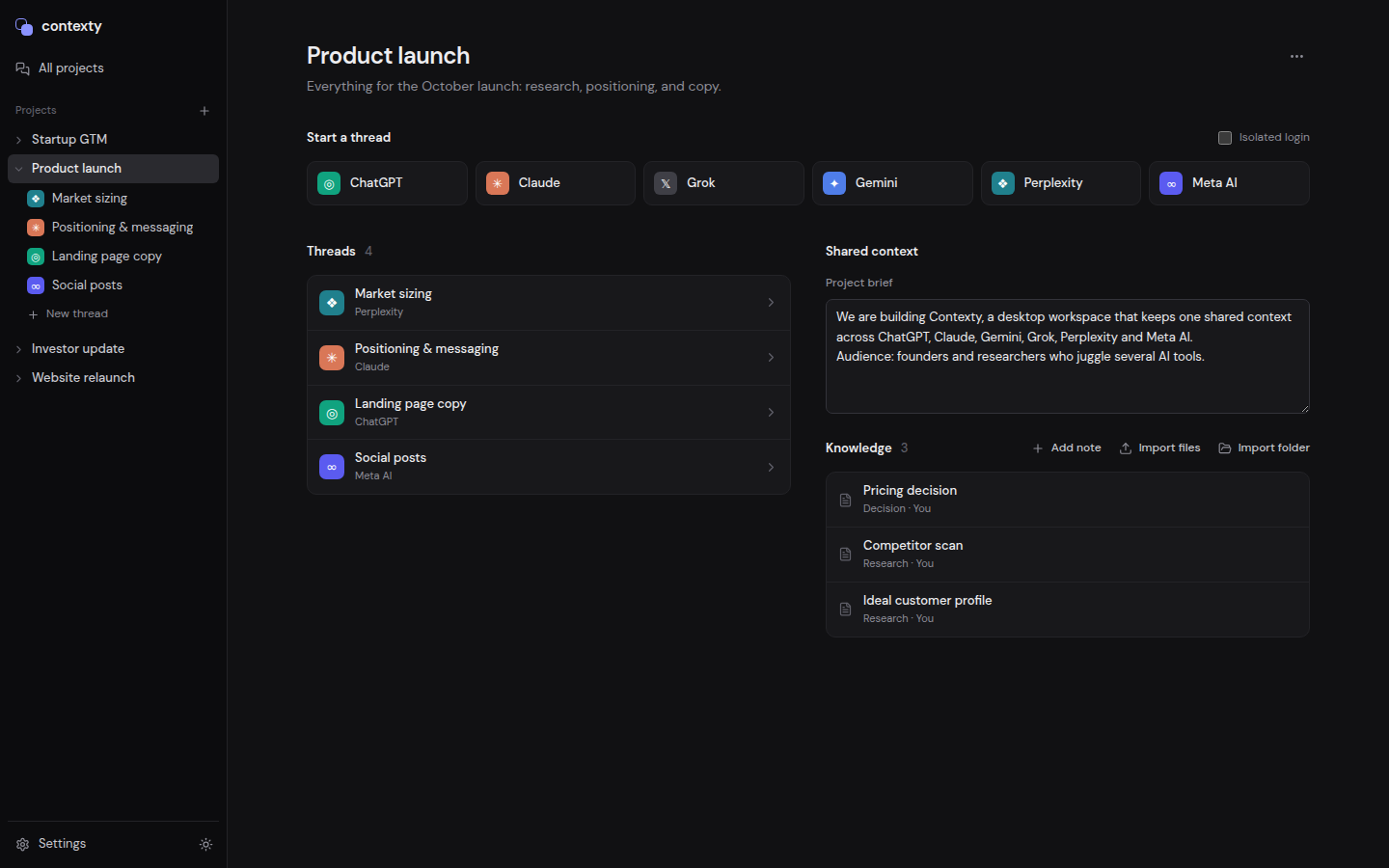
The AI tools you already use, together.
A little less repeating yourself
Research in one tool. Think in another. Build in a third.
Your project is the thread that holds it all together.
Create a project for your launch, research, or side project. Save the brief, files, notes, and decisions that matter.
Start a thread with any of the six providers. Use their real websites and your existing accounts, inside Contexty.
Add project knowledge to a chat, or summarize a conversation and continue in a fresh thread with the context ready to send.
Context, without the copy-paste ritual
A project brief, your saved research, that decision from last week. Select what’s relevant and bring it into your next conversation.
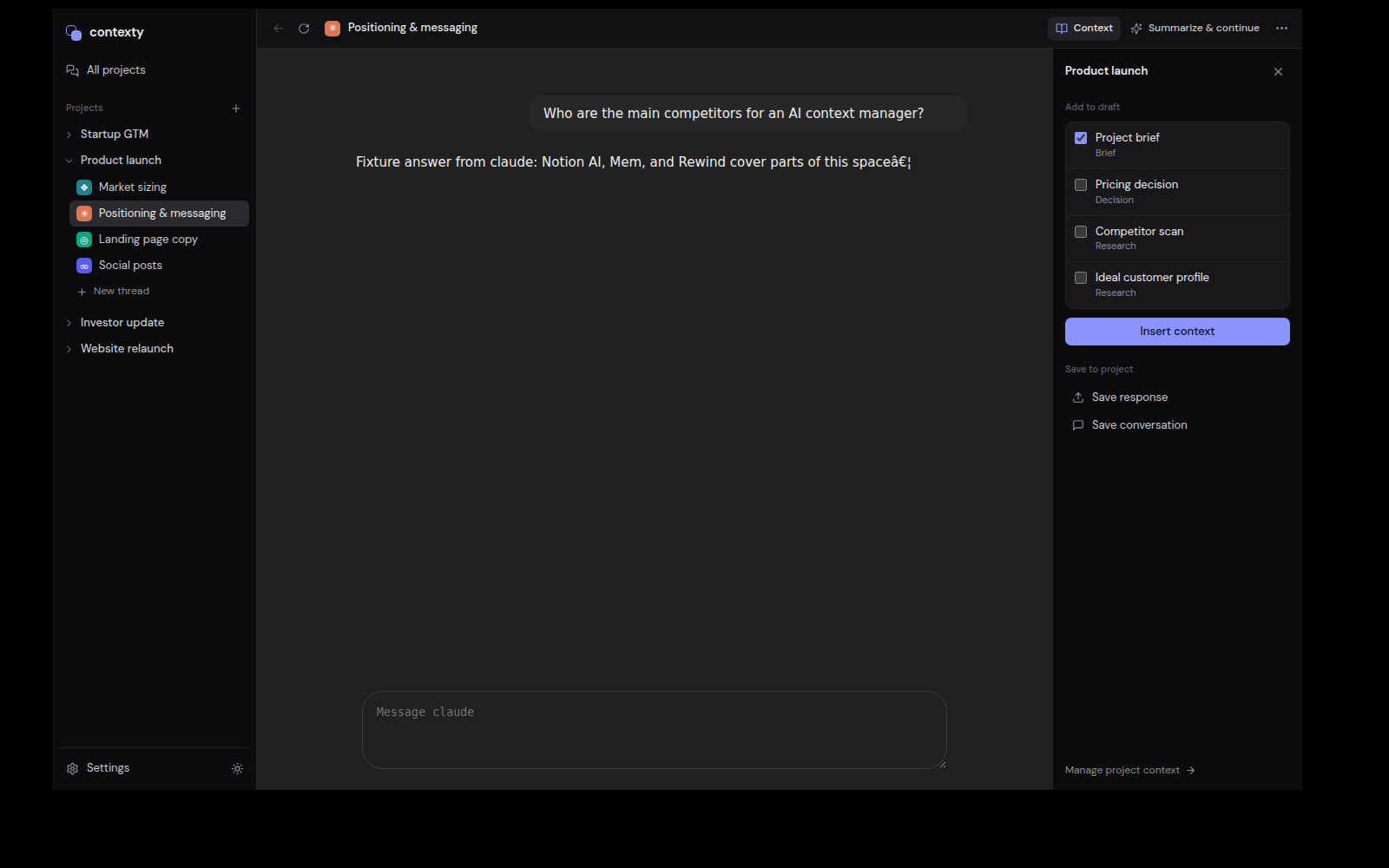
Research, decisions, and a direction worth keeping.
Type your message. The summary goes with it.
A fresh thread. A familiar starting point.
“Summarize & continue” turns the current conversation into a handoff. Choose the next provider and your summary waits in a compact chip, included with your first message.
Summaries run through Contexty’s Cloudflare service, so you can hand off when a provider’s limits get in the way. Contexty sign-in required.
Save login profiles. Share a provider login between threads, or give a thread its own isolated session.
Import userscripts and unpacked browser extensions. Choose light, dark, or your system’s appearance.
Projects, notes, and thread organization are saved locally on your computer. You choose what gets sent to an AI.
A few things to know
No. Contexty opens each provider’s real website. Sign in with your existing accounts; their plans, usage limits, and availability still apply.
Your threads share a project, but you choose which project knowledge to insert into each chat. When you use “Summarize & continue,” the generated handoff is included with the first message you send in the new thread.
Your project data and provider login profiles are stored on your device. Messages you send go to the selected provider. When you request a summary, the captured conversation is sent to Contexty’s Cloudflare service for processing.
The desktop preview supports ChatGPT, Claude, Gemini, Grok, Perplexity, and Meta AI, plus projects, context imports, saved profiles, extensions, and conversation handoffs. Provider websites can change and may require login or additional verification.
Bring your next project